Sign in to the App
Complete the following steps to sign in to the app.
Access the Sign In Screen
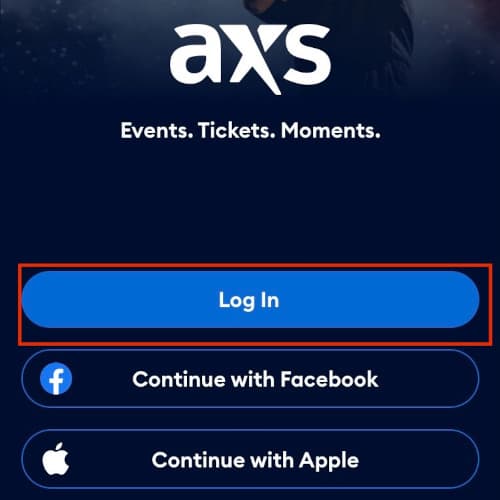
Access the Profile screen. See Navigate the App for more information about how to access the Profile screen. Select Log In or Sign Up, then tap Log In.
Enter Your Information
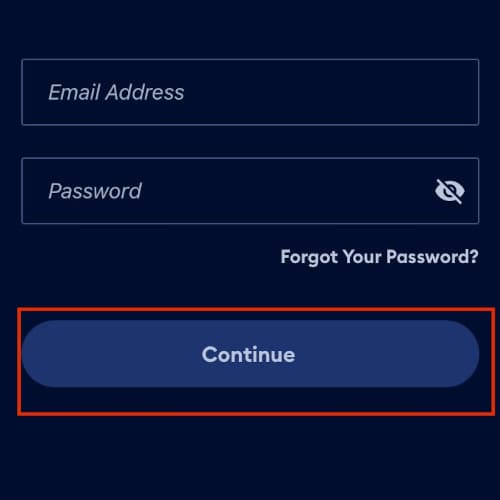
Enter your email address and password. Then, select Continue.
Verify Your Account
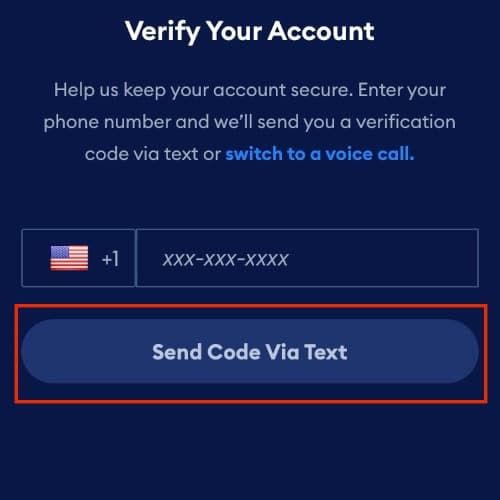
Enter your phone number then select Send Code Via Text to verify your account. Then, enter the six-digit code that was sent to your phone number.
Last updated on